5/17/2026
Choosing CAD/CAM software is a long-term investment. Learn the essential features every sheet metal manufacturer should evaluate before making a decision.
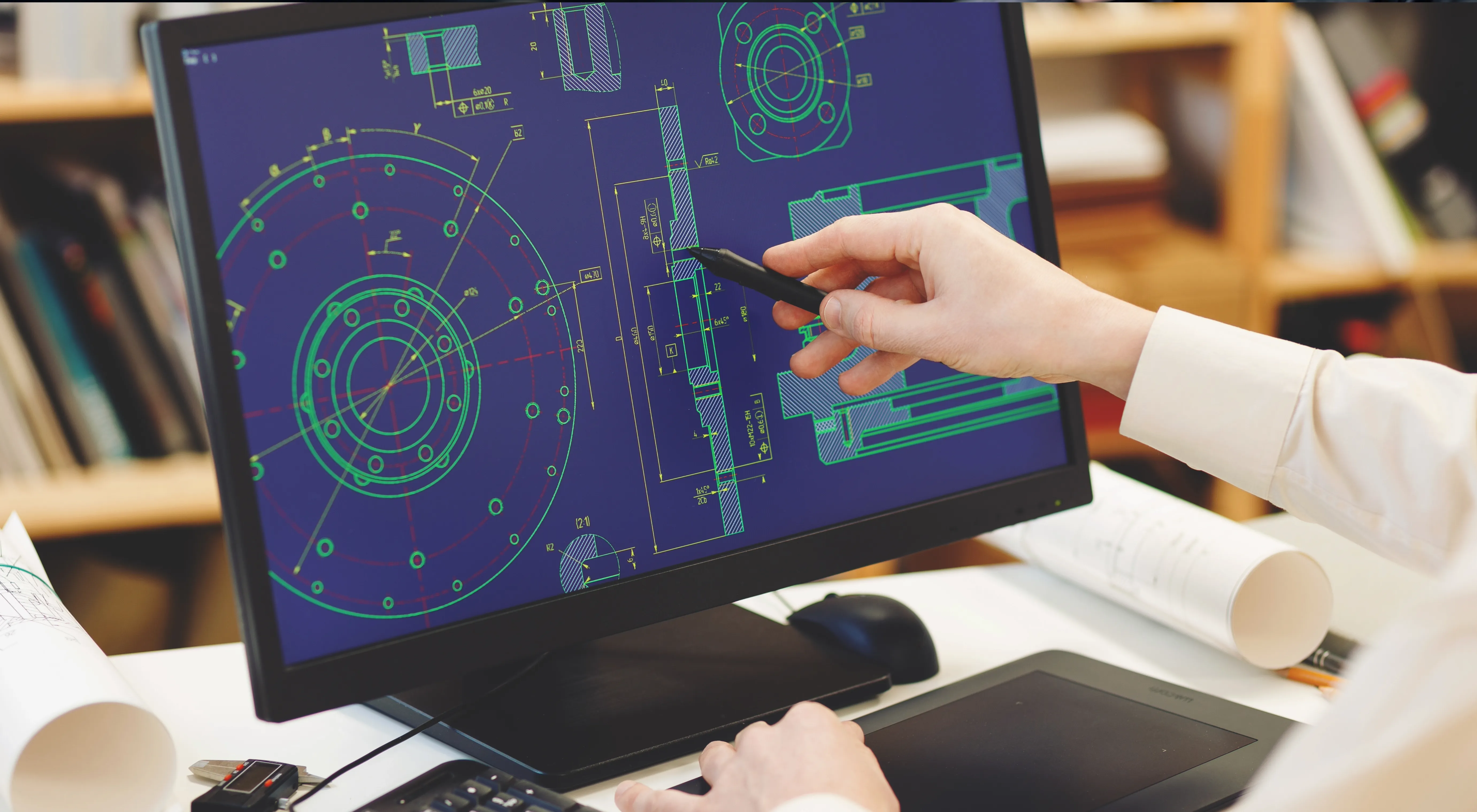
Investing in CAD/CAM software is more than purchasing a programming tool—it's selecting a manufacturing platform that will support your production for years. The right solution should reduce material waste, accelerate CNC programming, integrate with your CAD systems and machines, and adapt as your business grows.
This guide explains the key criteria every fabrication shop should evaluate before selecting a CAD/CAM solution, helping you maximize productivity, improve material utilization, and achieve a faster return on investment.
Choosing the right CAD/CAM software is an important decision for any sheet metal manufacturing company. The software you select can directly influence programming time, material utilization, machine productivity, production accuracy, and the overall efficiency of your manufacturing workflow.
With many CAD/CAM solutions available, manufacturers should look beyond basic CAD drawing and CNC programming capabilities. The right solution should match the company's machines, materials, production volumes, part complexity, nesting requirements, programming workflow, and future growth plans.
Modern CAD/CAM platforms can connect several stages of manufacturing—from CAD data preparation and nesting to CNC programming, quotation, production planning, and ERP/MES integration.
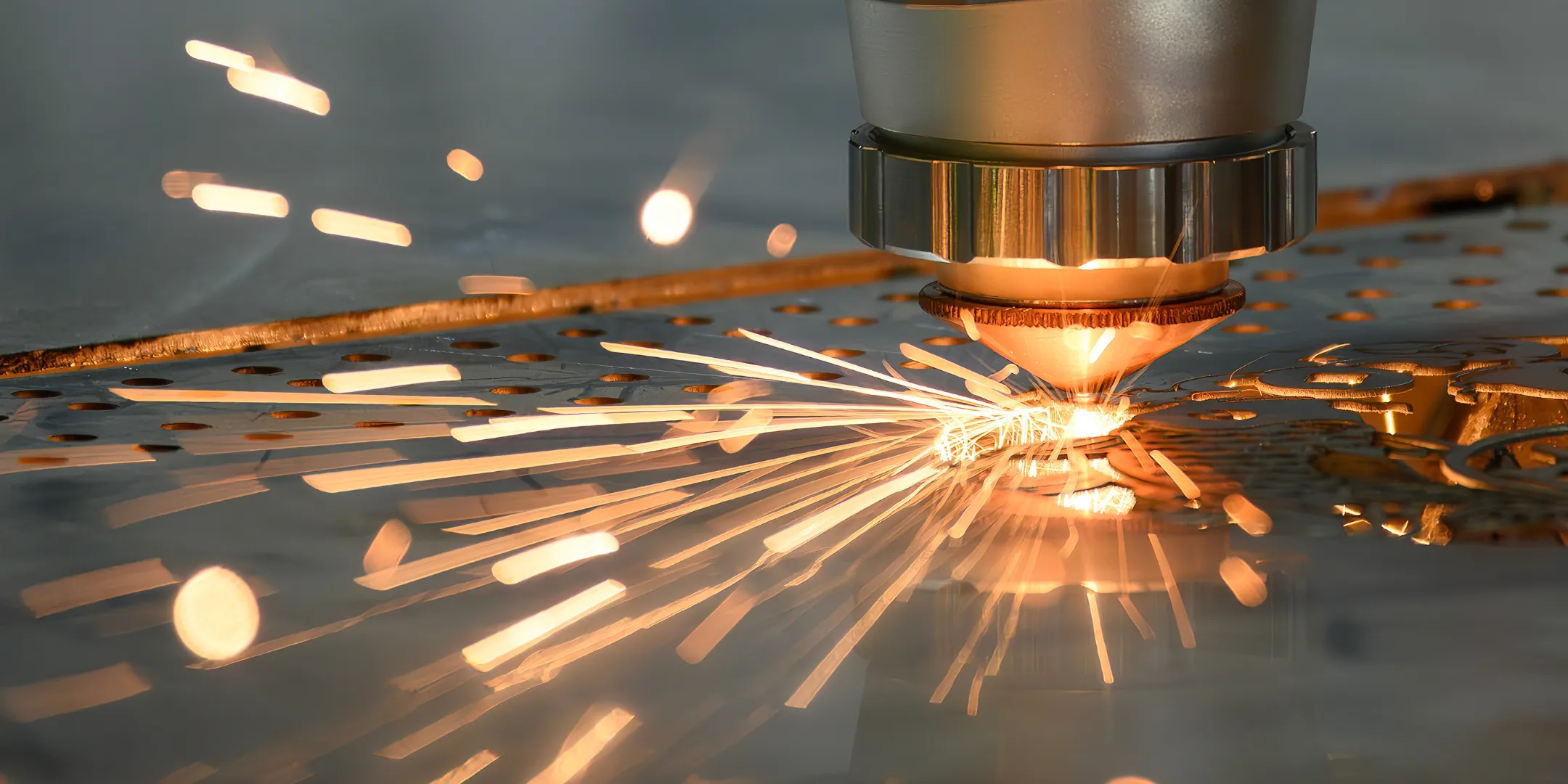
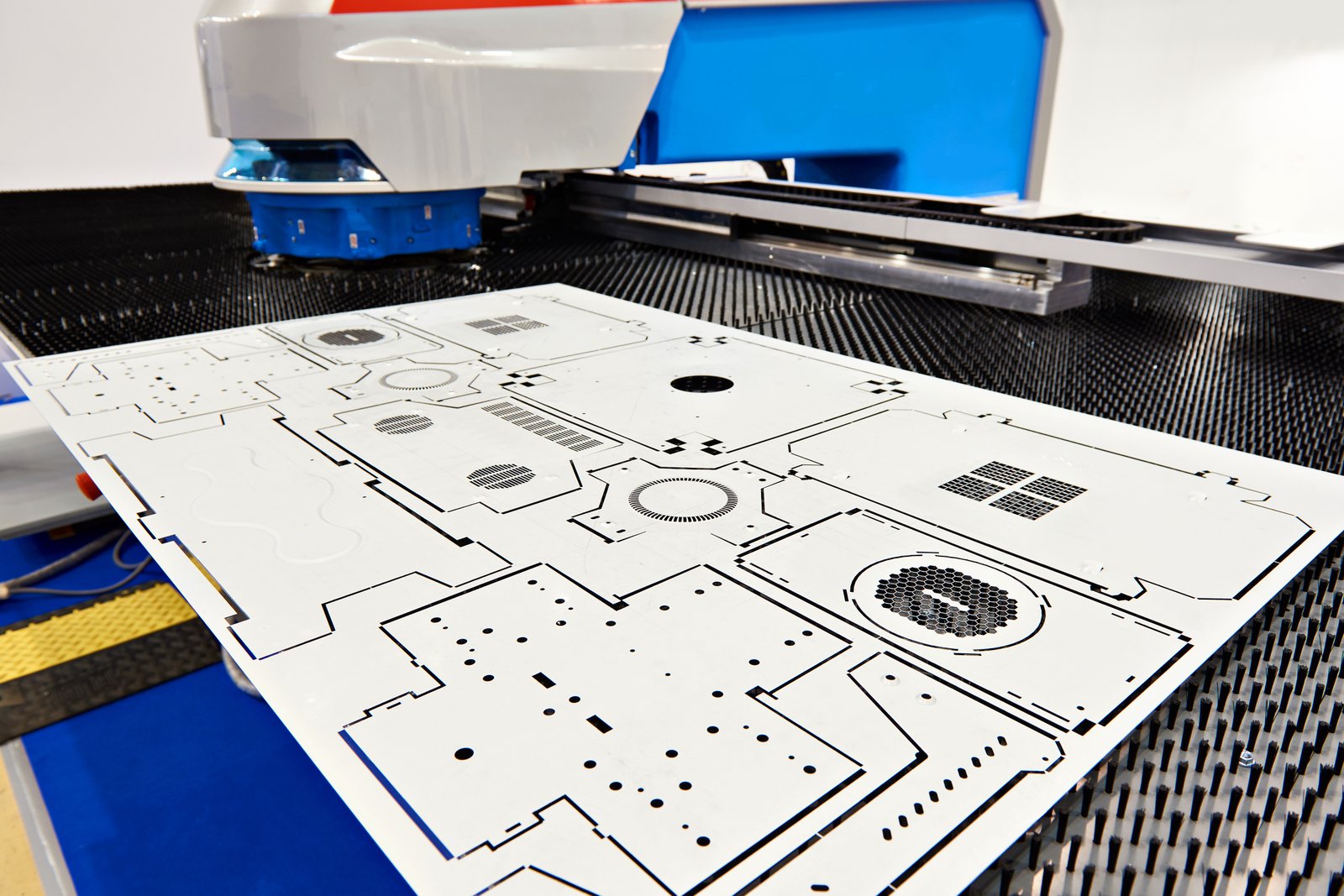
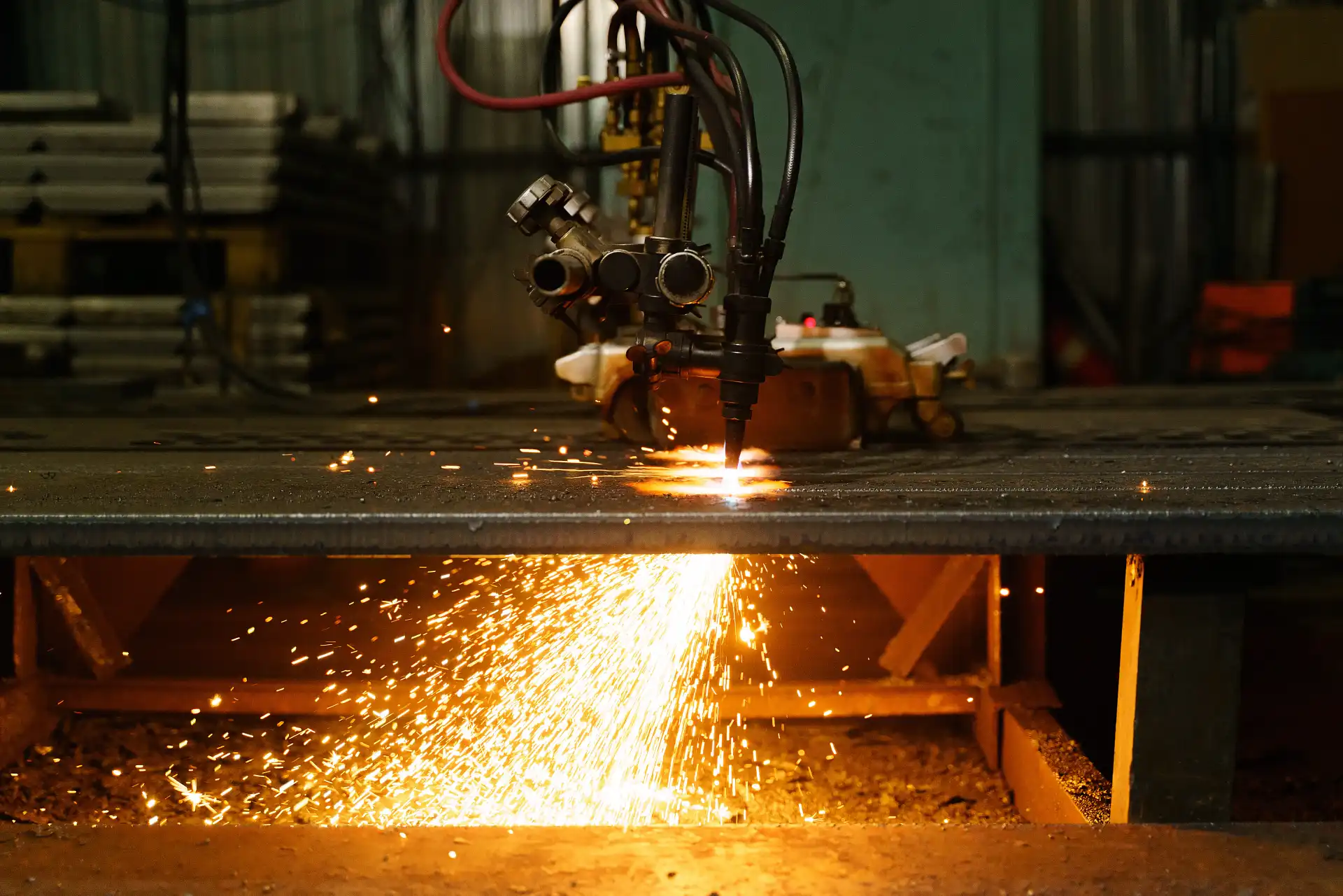
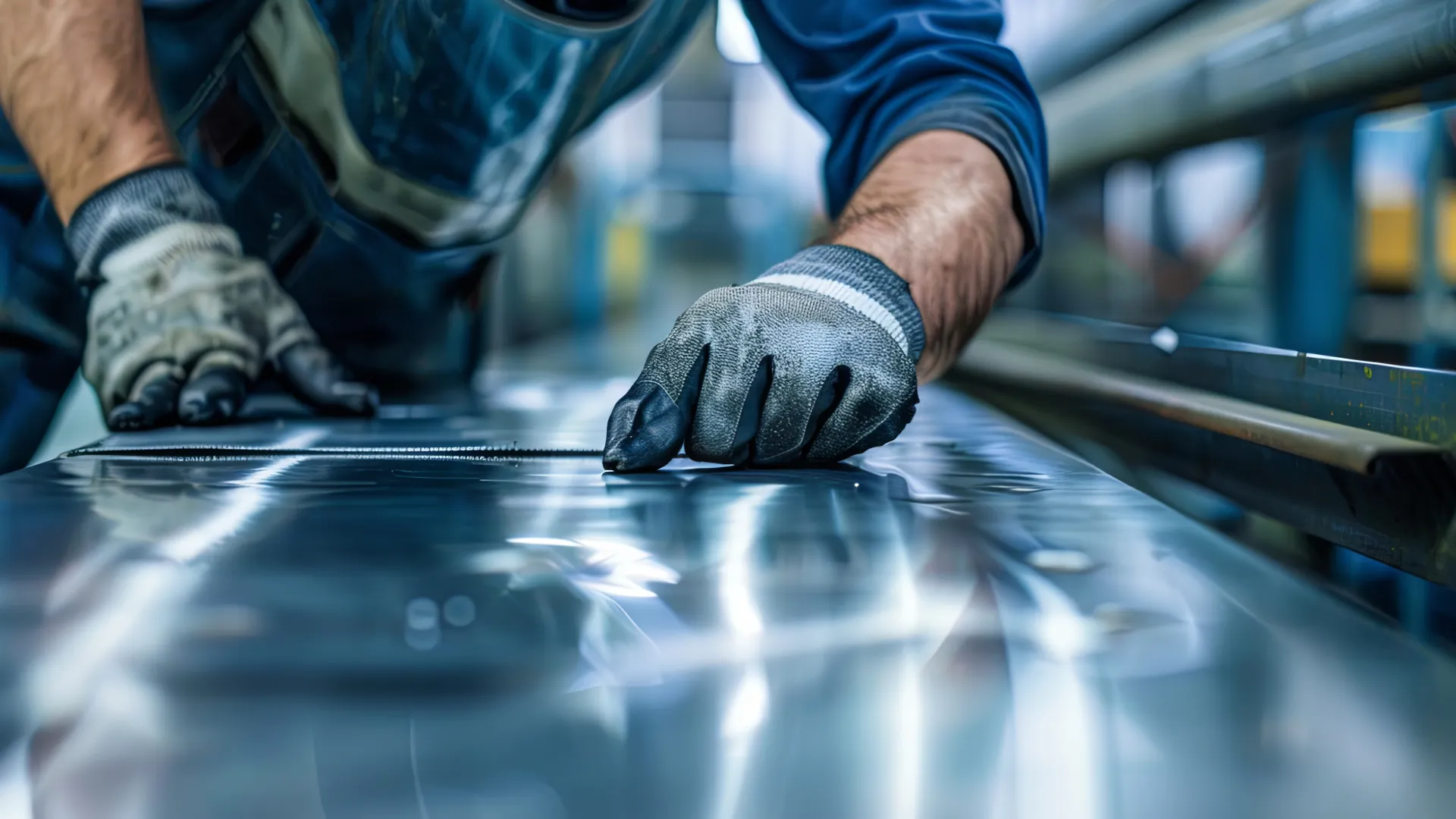
Before selecting CAD/CAM software, manufacturers should first understand the machines that the software needs to control. A company may operate laser cutting, plasma, oxy-fuel, waterjet, punching, routing, or combined machines. Each technology has different programming and manufacturing requirements.
The software should be capable of generating appropriate machine-ready programs and supporting the technologies used in your workshop. It is also important to consider whether the company plans to add new machines in the future.
A flexible CAD/CAM platform can help manufacturers avoid maintaining separate programming workflows for every machine or technology. AlmaCAM, for example, supports 2D cutting workflows across laser, plasma, oxy-fuel and waterjet technologies, along with other manufacturing solutions.
Products
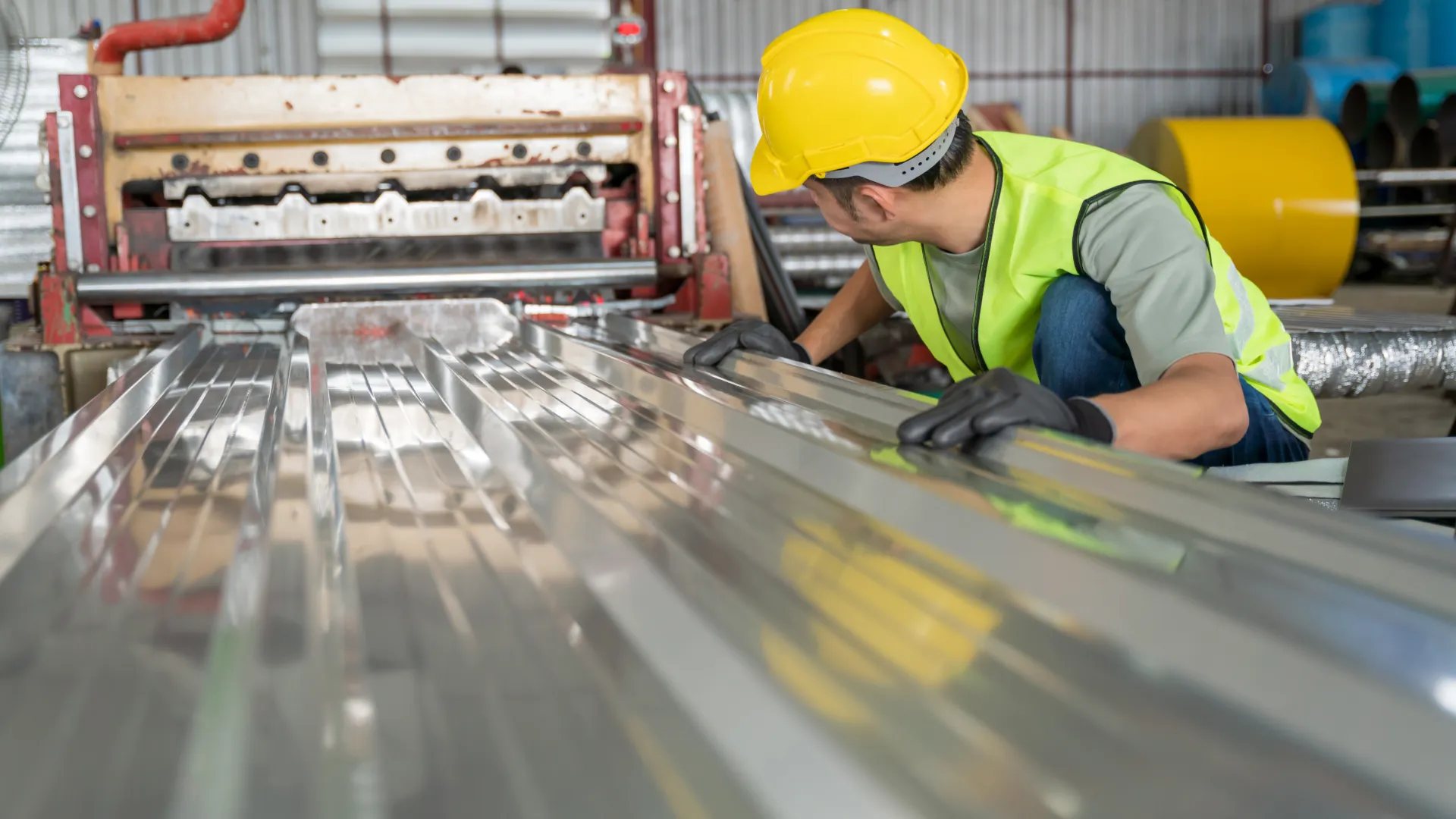
Manufacturers receive design data in many different formats depending on the customer's CAD system. If CAD/CAM software has limited import capabilities, engineers may spend additional time converting or repairing files before manufacturing can begin.
A suitable solution should support the CAD formats commonly used by your customers and engineering teams. For sheet metal workflows, manufacturers should also consider whether the software can handle both 2D files and 3D sheet metal data.
AlmaCAM supports formats including DXF and DWG for 2D workflows and can also import 3D formats such as STEP and IGES through its CAD import capabilities.
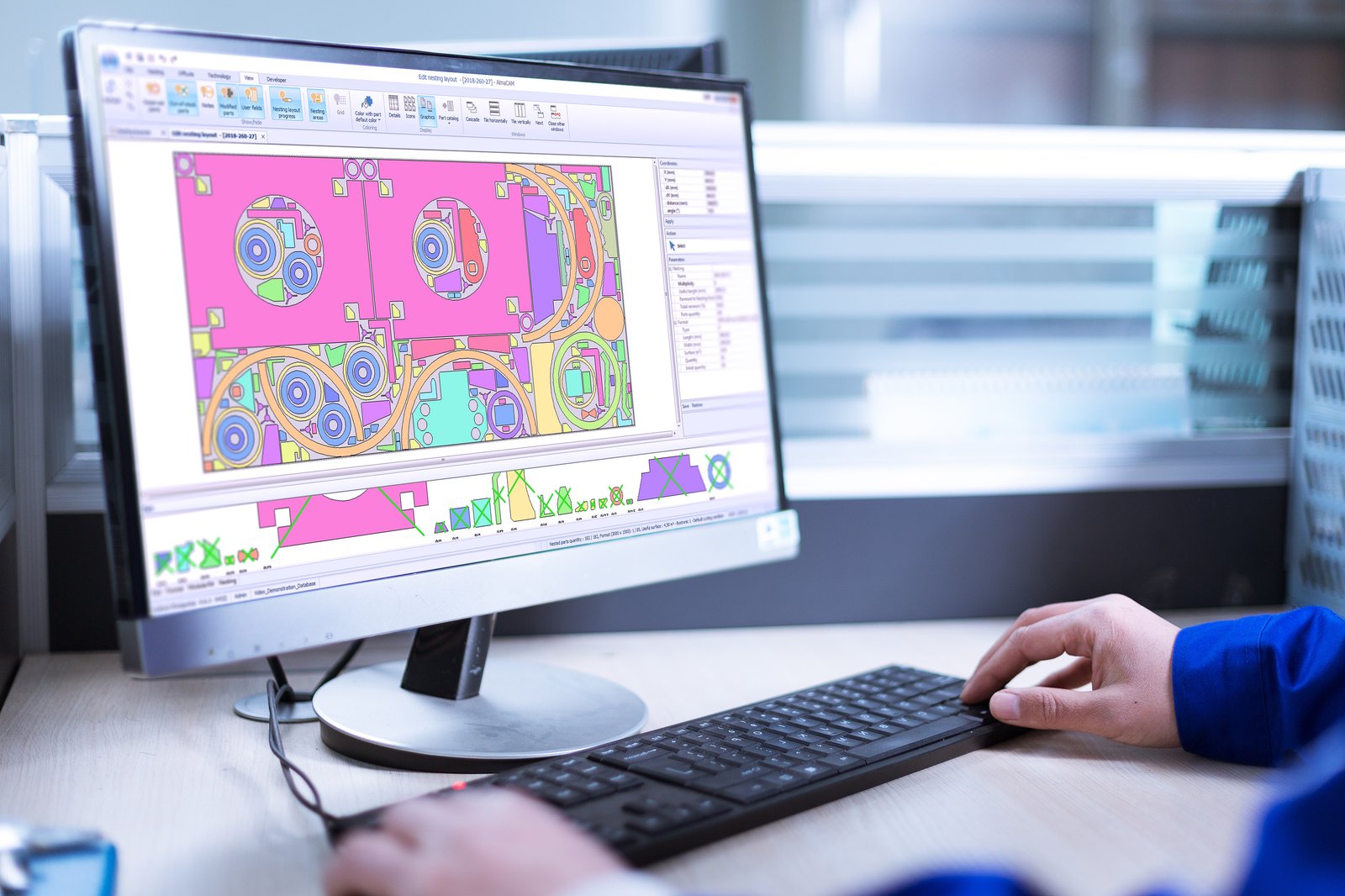
Nesting is one of the most important features to evaluate when choosing CAD/CAM software for sheet metal manufacturing. The objective is to arrange parts efficiently on available sheets while respecting manufacturing constraints.
Poor nesting can increase scrap and material costs, while effective nesting can improve material utilization and help reduce unnecessary waste. Manufacturers should therefore compare nesting results using their own real production parts rather than relying only on demonstrations.
Advanced nesting solutions can consider part geometry, sheet dimensions, orientation, spacing, remnants, common cutting, and production priorities. AlmaCAM's 2D nesting capabilities include automatic nesting, offcut nesting, common cuts, multi-head nesting, and configurable part and sheet gaps.
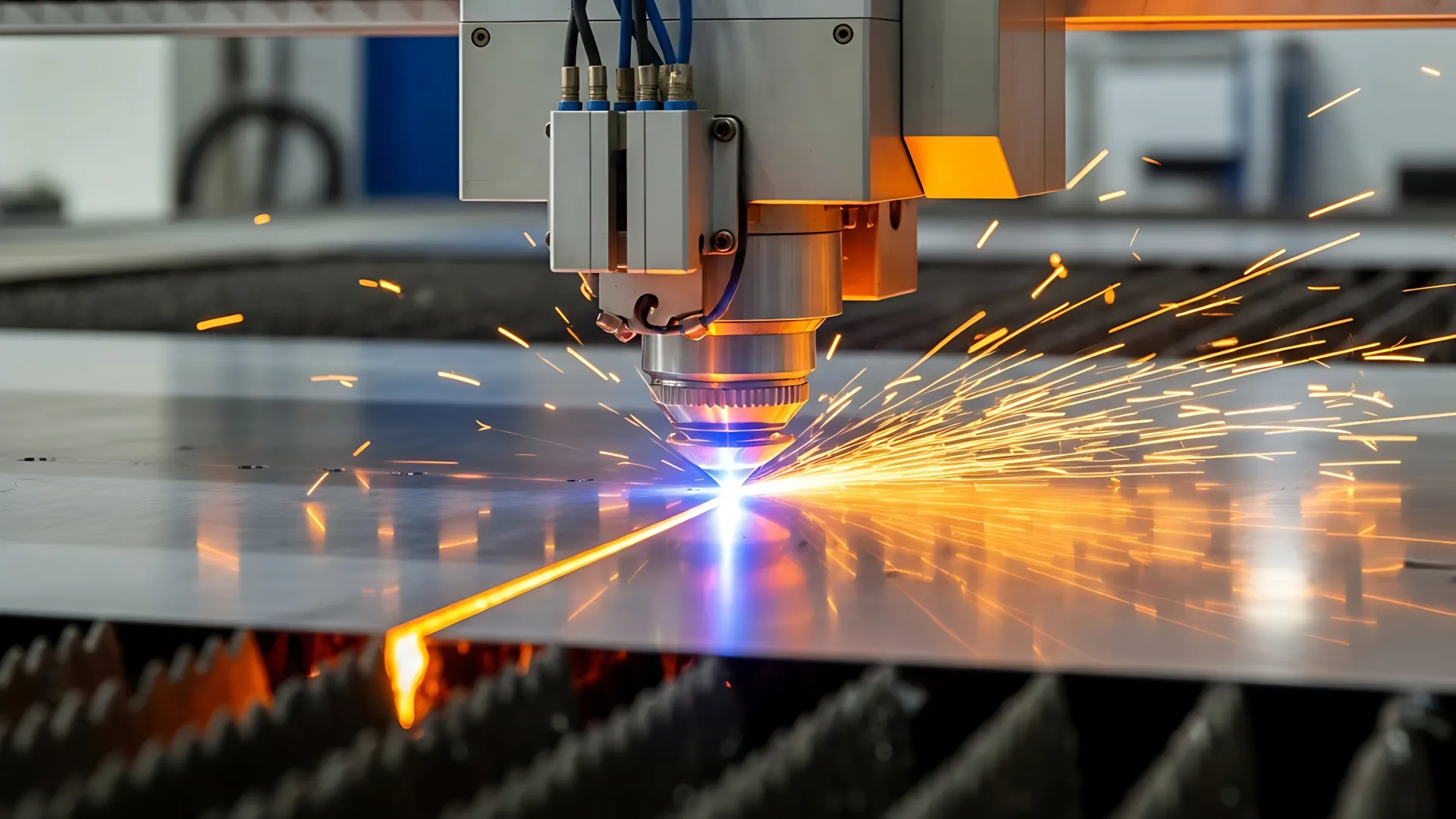
A CAD/CAM system should make programming faster rather than simply provide another place to perform manual tasks. Manufacturers should evaluate how many steps are required to move from part import to nesting and finally to NC program generation.
Automation can significantly reduce repetitive programming work. The best approach is to test the software using real production parts and measure the time required to prepare the same job using the existing system and the proposed solution.
AlmaCAM supports automated workflows covering part preparation, nesting, cutting sequence calculation, and NC generation
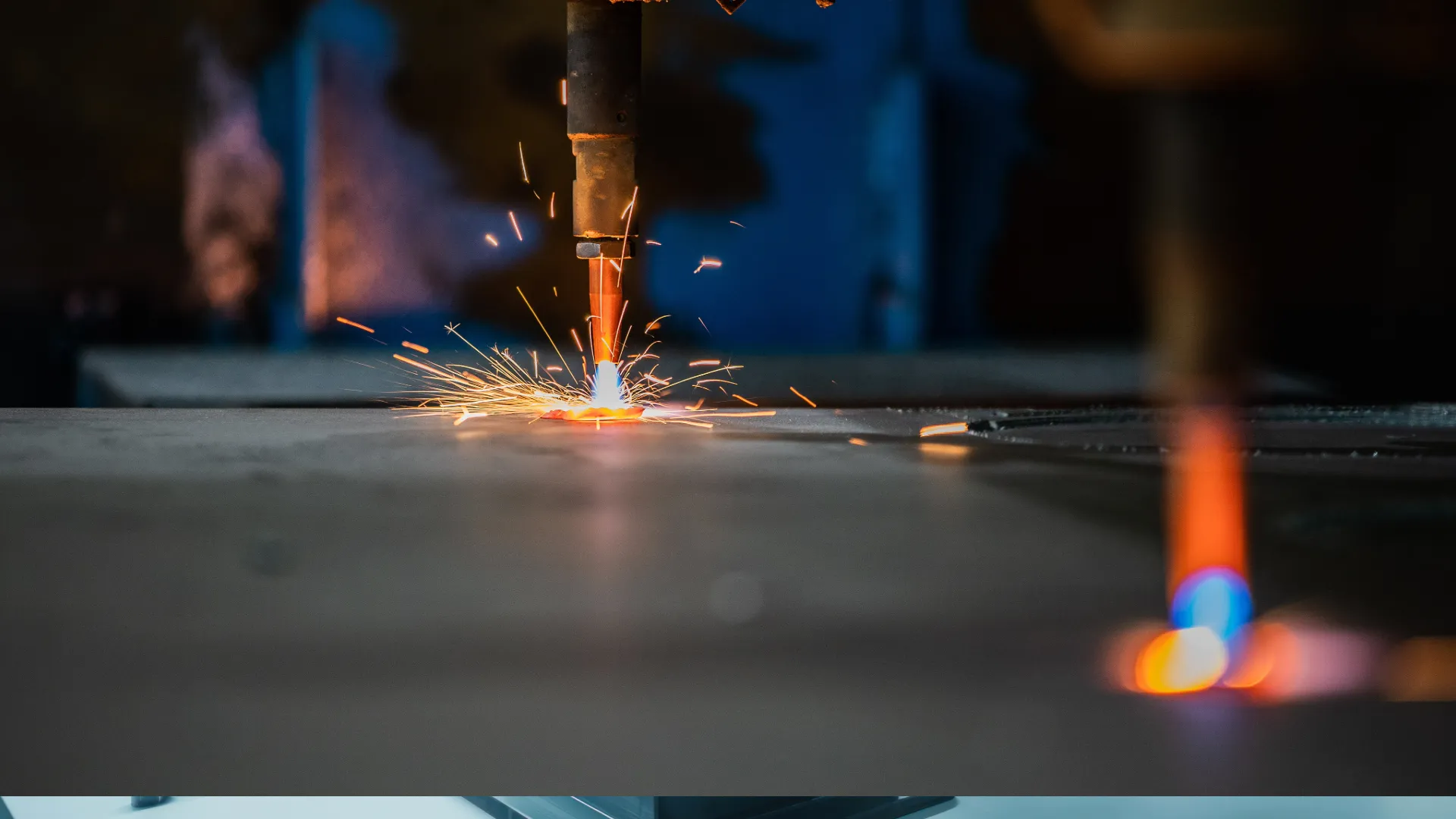
Manufacturing companies often operate machines from different manufacturers. If each machine requires separate software, programming teams may have to switch between multiple systems and learn different workflows.
A CAD/CAM platform with broad machine compatibility can help standardize programming across the workshop. This can simplify training, reduce software complexity, and create a more consistent production process.
AlmaCAM states that it can program multiple brands of 2D cutting machines across technologies such as laser, plasma, oxy-fuel, and waterjet.
As manufacturing companies grow, CAD/CAM software should not operate as an isolated system. Production orders, material inventory, nesting information, NC programs, and production feedback may need to move between CAD/CAM, ERP, and MES systems.
Integration can reduce manual data entry and improve traceability throughout the production process. It can also help manufacturers create a more connected digital manufacturing environment.
AlmaCAM supports integration with ERP and MES systems through APIs and tailored developments, including exchanges involving orders, parts, sheets, and remnants.
 CADCAM Automation Systems
Advanced CAD/CAM Software for Sheet Metal Manufacturing
Industries